-

-
 Argentina (en)
-
 Australia (en)
-
Belgien (de)
-
Belgique (fr)
-
België (en)
-
 Brasil (en)
-
 Canada (en)
-
Canada (fr)
-
 Česko (en)
-
 Chile (en)
-
 Danmark (en)
-
 Deutschland (de)
-
 España (en)
-
 France (fr)
-
 Hrvatska (en)
-
 Ireland (en)
-
 Italia (en)
-
 Magyarország (en)
-
 Nederland (en)
-
 Norge (en)
-
 Österreich (de)
-
 Polska (pl)
-
 Portugal (en)
-
 România (en)
-
 Schweiz (de)
-
 Slovenija (en)
-
 Slovensko (en)
-
 South Africa (en)
-
 Srbija (en)
-
Suisse (fr)
-
 Suomi (en)
-
 Sverige (en)
-
Svizzera (en)
-
 United Kingdom (en)
-
 United States (en)
-
 Россия (en)
-
 Україна (en)
-
 日本 (en)
-

[Basics] How to use the AI workers
![[Basics] How to use the AI workers](/cms/uploads/news_61b2035c3c872.jpg)
Welcome to your next lesson of the Farming Simulator Academy! Today we’re focusing on the semi-autonomous AI worker. We’ll show you how to use the helping system. Let’s start!
How does it work?
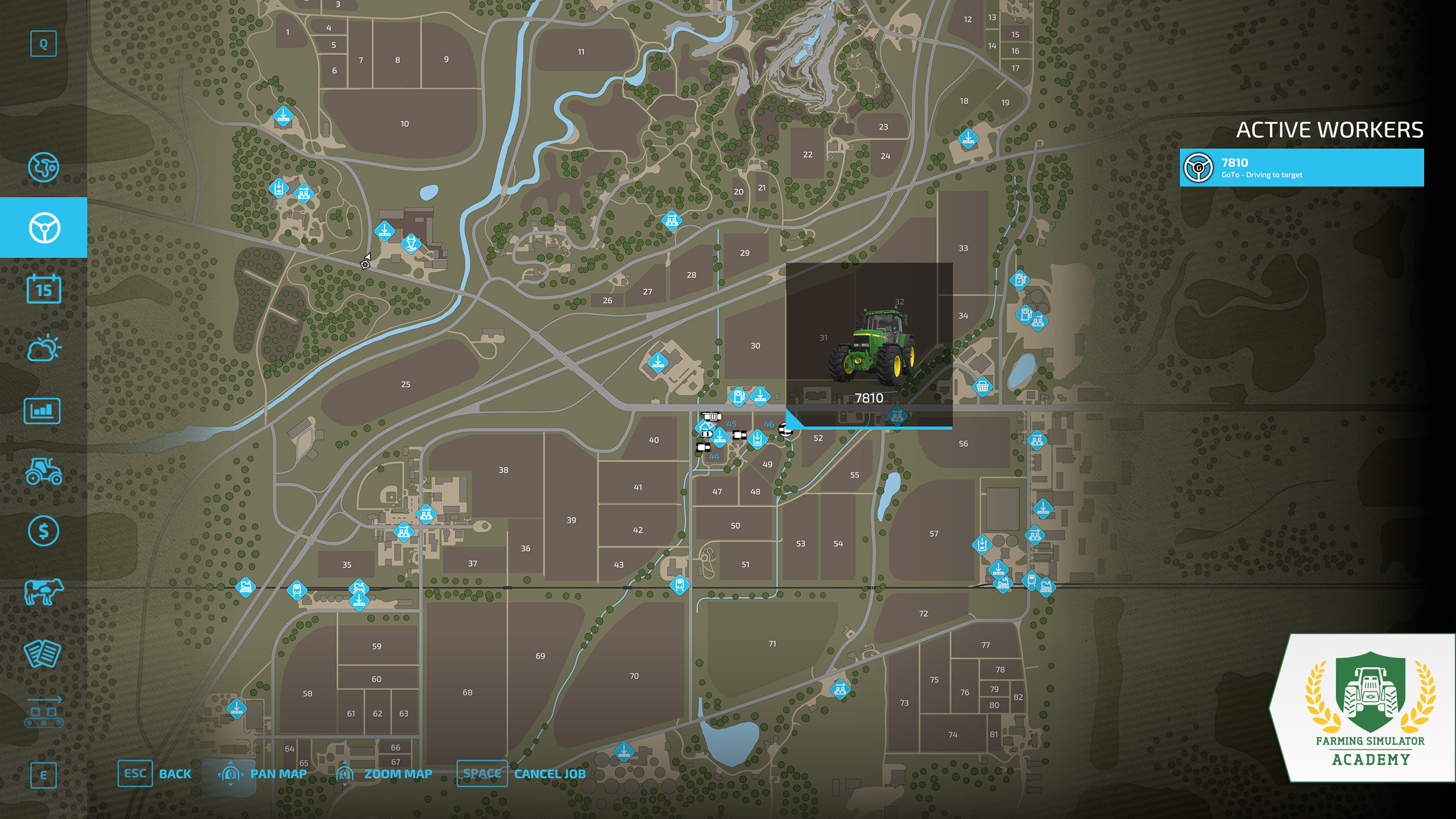
On the AI-Worker screen, click on any vehicle/machine and select "create job". This allows you to select one of the following actions for your worker to carry out. Wherever you want to send him, you either choose a specific unloading station or set down a marker on the map.
- "Go to" - The worker will drive a machine/vehicle to a specific destination.
- "Field Work" - You can order the worker to carry out a task associated with the machine at the target location.
- "Deliver" - It will deliver crops to the selected unloading station. This task can be looped.
- "Load & Deliver" - The AI Worker loads goods at one station, and deliver it to the next. You can also loop this task.
If you select "looping", the workers will continuously repeat the task - as long as there is something to do. If there is no more wheat in the silo to deliver to the bakery, he will stop.
Tip! If you are already doing a task, like plowing, press "H" (on PC, or the console equivalent) to hire an AI Worker. It automatically continues your job and you can do something else.
Additional Settings
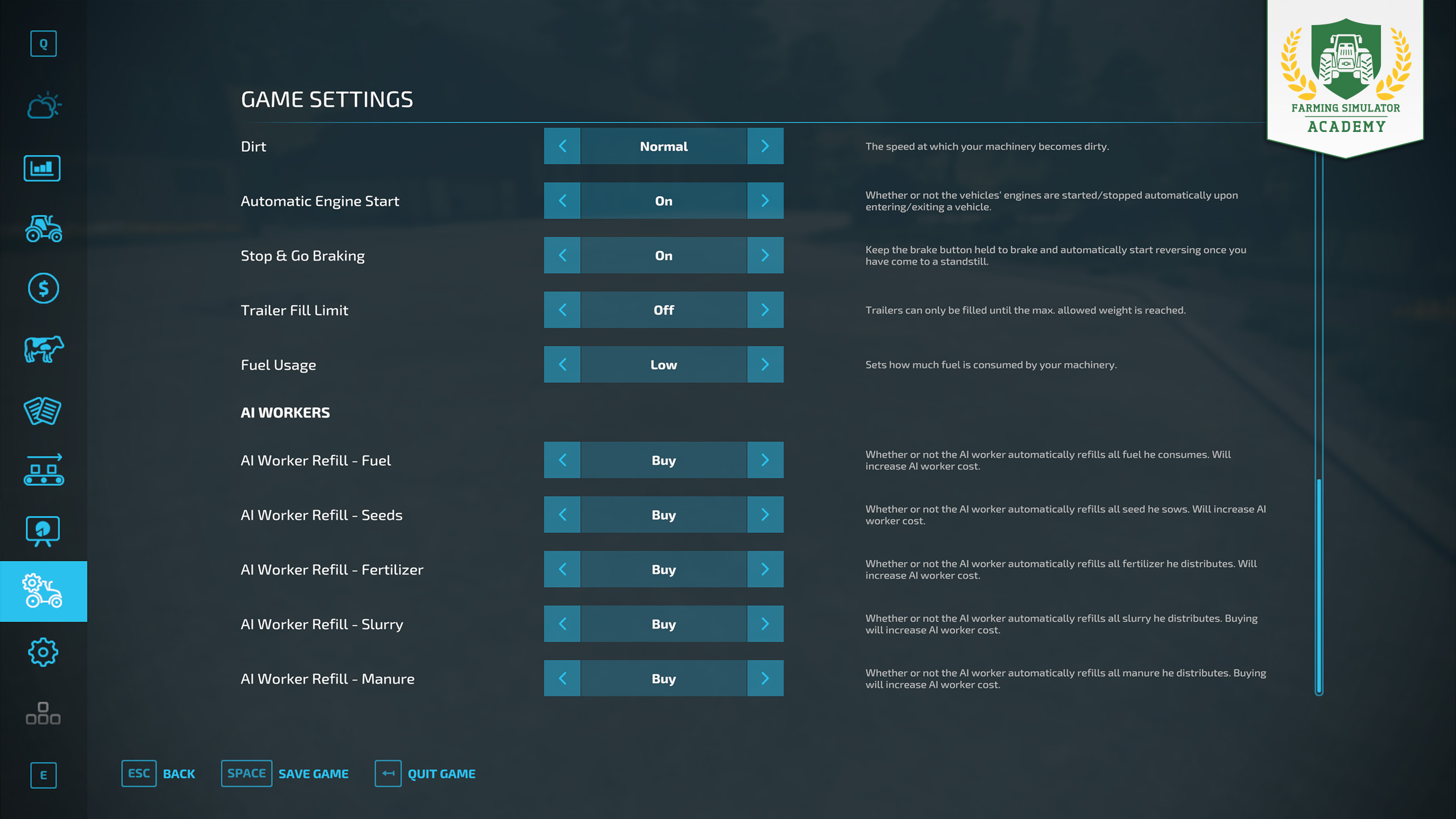
In the game settings, you can elaborate the workload of your AI Worker. You can change whether your worker can refuel your seeds, fertilizer, slurry, manure or fuel by himself or let you do his dirty work. We recommend: let him do it.
Well done!
Congratulations, you hired your first AI Worker. Take your time and start on the next lesson, when you’re ready. Stay with the Farming Simulator Academy and you become a virtual farmer in no time!


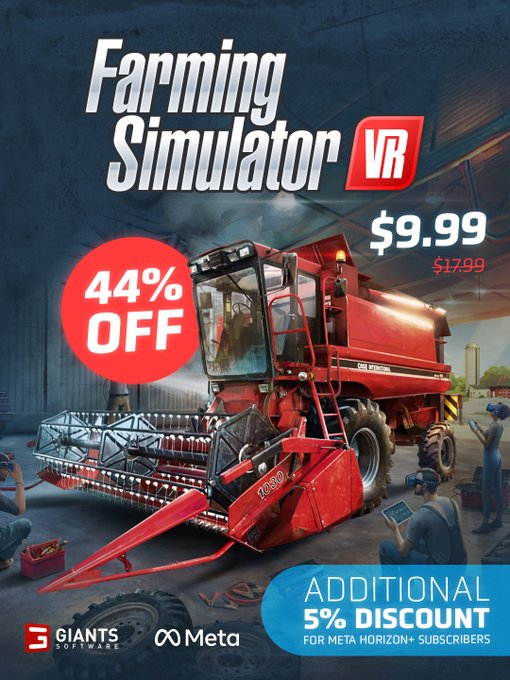
🌾 Farming Simulator VR is 44% off! 😎 Step into immersive farming, operate authentic machines up close, and experience your farm from a whole new perspective in VR. Meta Horizon+ subscribers get an additional 5% discount right now. 🚜 🔗 https://t.co/Vhhvur2mek https://t.co/Yf7aRyTNlj
Your mod. Your vision. Your chance to win! 🛠️ Create a mod or map for Farming Simulator 25 and compete in four categories for a share of €30,000+. Start planning with GDN tools, tutorials, ModHub and the rules. 🚜 🔗 https://t.co/7FvsBZ4tzF https://t.co/OhR5kbODTM

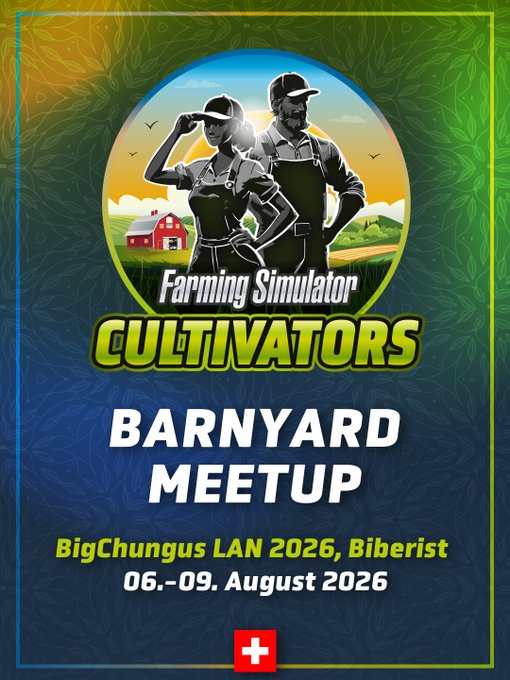
🇨🇭 Barnyard Meetup Switzerland is coming to the BigChungus LAN Party in Biberist! 🚜 Play Farming Simulator on site, team up in multiplayer, and meet fellow players at an awesome LAN event. Tickets are still available! 👇 🎟️ https://t.co/rzQk6Bf9xl https://t.co/nvIjVuXdto
👕 New items are joining the FarmCon 26 merch lineup! Discover new T-shirts, accessories & more alongside our regular Farming Simulator collection. Available while stocks last. Selected items are limited. 🔥 Last-Minute Tickets! 🎟️ FC26: https://t.co/qZpSwnE91b Barnyard: https://t.co/S3KmQ7dNwZ

Social Media


🌾 Farming Simulator VR is 44% off! 😎 Step into immersive farming, operate authentic machines up close, and experience your farm from a whole new perspective in VR. Meta Horizon+ subscribers get an additional 5% discount right now. 🚜 🔗 https://t.co/Vhhvur2mek https://t.co/Yf7aRyTNlj